Prepare your account
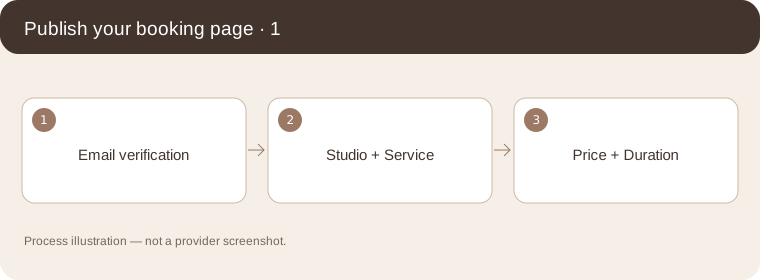
Create your account, verify your email, and enter your studio, service, price, duration and provider.
Follow the steps
Create your account, verify your email, and enter your studio, service, price, duration and provider.
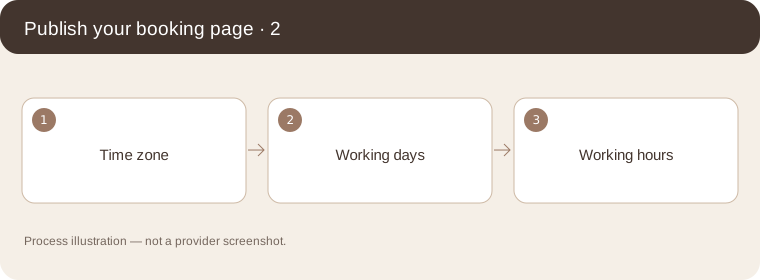
Process illustration — not a provider screenshot. Set your real studio time zone, working days and hours. Review the cancellation policy and contact details before publishing.
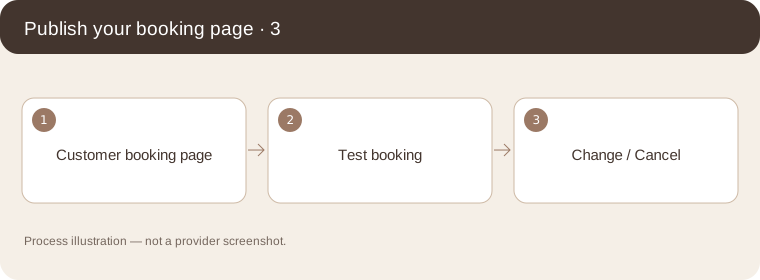
Process illustration — not a provider screenshot. Open the customer link on your phone. Make a test booking, check the time in your diary, and try the change/cancel flow before sharing it.
Process illustration — not a provider screenshot.
Contact support
support@shikebooking.com