Prepare your account
Prepare a business-owned phone number that can receive verification and a Meta business portfolio. Check the provider’s requirements before moving an existing WhatsApp number.
Current availability
This overseas studio connector is not available for self-service yet. Preparing a provider account does not turn on Shike replies. Keep using your web booking link until connection and a live reply test are complete.
Follow the steps
Prepare a business-owned phone number that can receive verification and a Meta business portfolio. Check the provider’s requirements before moving an existing WhatsApp number.
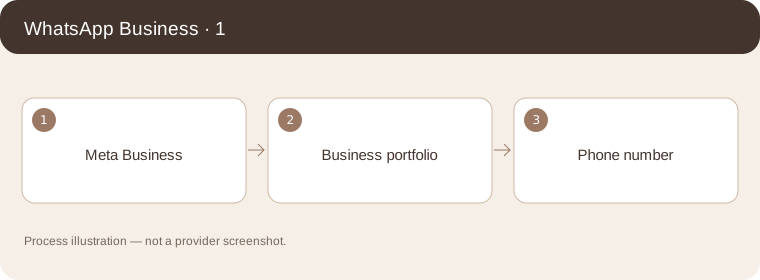
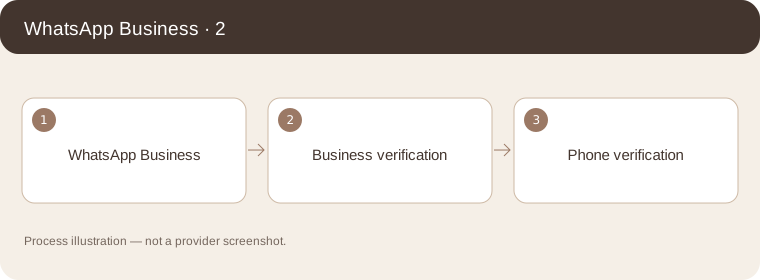
Process illustration — not a provider screenshot. Complete business and phone verification in Meta. The Shike overseas merchant connection is pending; do not paste credentials into a chat or assume registration enables AI.
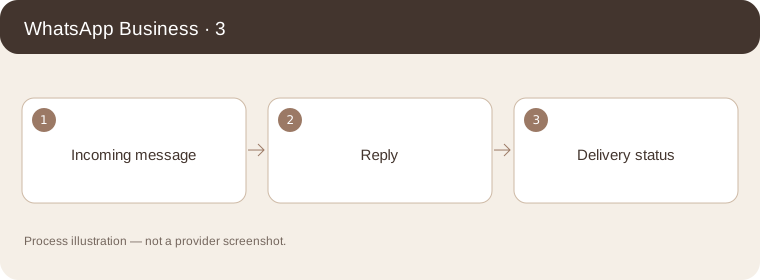
Process illustration — not a provider screenshot. After authorization is available, test an incoming message and a reply. Messages outside an active service conversation may require an approved template and incur provider charges.
Process illustration — not a provider screenshot.
Provider’s illustrated guide
Process illustration — not a provider screenshot.