Prepare your account
Use a Facebook Page for your studio and sign in with an account allowed to manage it. An Instagram profile is not a Facebook Page.
Current availability
This overseas studio connector is not available for self-service yet. Preparing a provider account does not turn on Shike replies. Keep using your web booking link until connection and a live reply test are complete.
Follow the steps
Use a Facebook Page for your studio and sign in with an account allowed to manage it. An Instagram profile is not a Facebook Page.
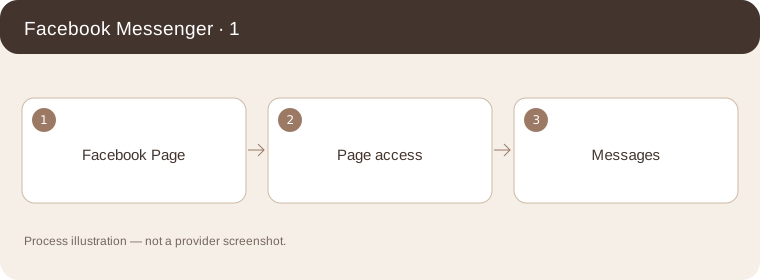
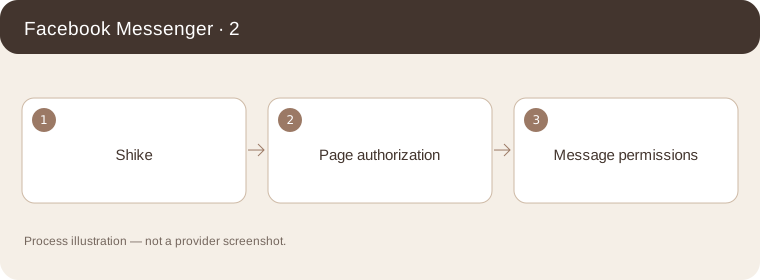
Process illustration — not a provider screenshot. Once Shike supports your studio connection, select the right Page and review message permissions. Public customer use may depend on Meta approval.
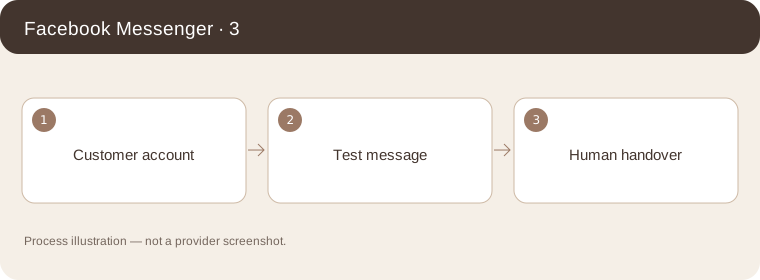
Process illustration — not a provider screenshot. Test from another account. Confirm the reply reaches that account and that a human can take over. A test with an app administrator alone is not a public launch check.
Process illustration — not a provider screenshot.
Provider’s illustrated guide
Process illustration — not a provider screenshot.